Social media content calendar template
A useful social media content calendar template is not a spreadsheet full of ideas. It is a decision system for what each week is supposed to achieve, and it works best when paired with a simple free template your team can actually maintain.


The calendar should answer one question first: what is this month supposed to move? Awareness, proof, launch support, pipeline, or retention all create different content mixes.
Once the job is clear, assign weeks a role. One week can educate, one can prove, one can convert, and one can reinforce.
Teams stall when every post has to be invented from scratch. Weekly themes give the month a shape before the writing begins.
That structure also makes internal review easier because people can judge whether a post fits the week instead of debating every post from zero.
Templates help with consistency. They do not replace editing. Use a social media content calendar template for the slots, then adapt the angle, tone, and proof to what is actually happening in the business.
This is where brand voice matters: a calendar without a voice system still produces forgettable copy.
FAQ
A social media content calendar is a planning system that maps what you will publish, when you will publish it, and why each post exists.
A social media content calendar template is the reusable structure behind that planning system. It gives the team the same fields, review rules, and weekly rhythm each month.
The calendar is the operating system. The template is the reusable structure you fill in each month.
Yes. Many teams start with a free template, but the real gain comes from deciding the monthly goal, weekly themes, and CTA mix before filling in the slots.
A sample calendar should include weekly themes, platforms, draft owner, asset needs, CTA, approval status, and publish window.
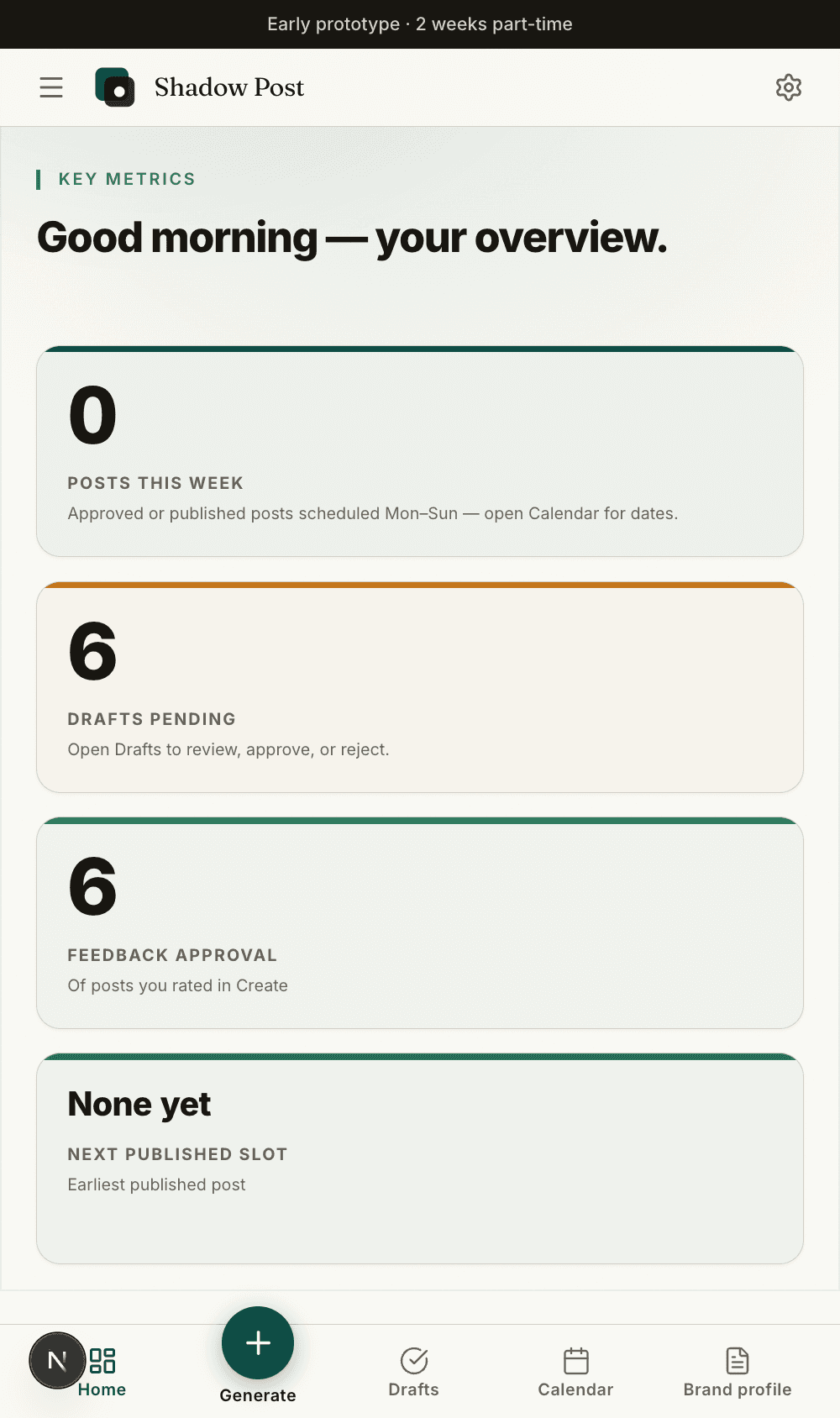
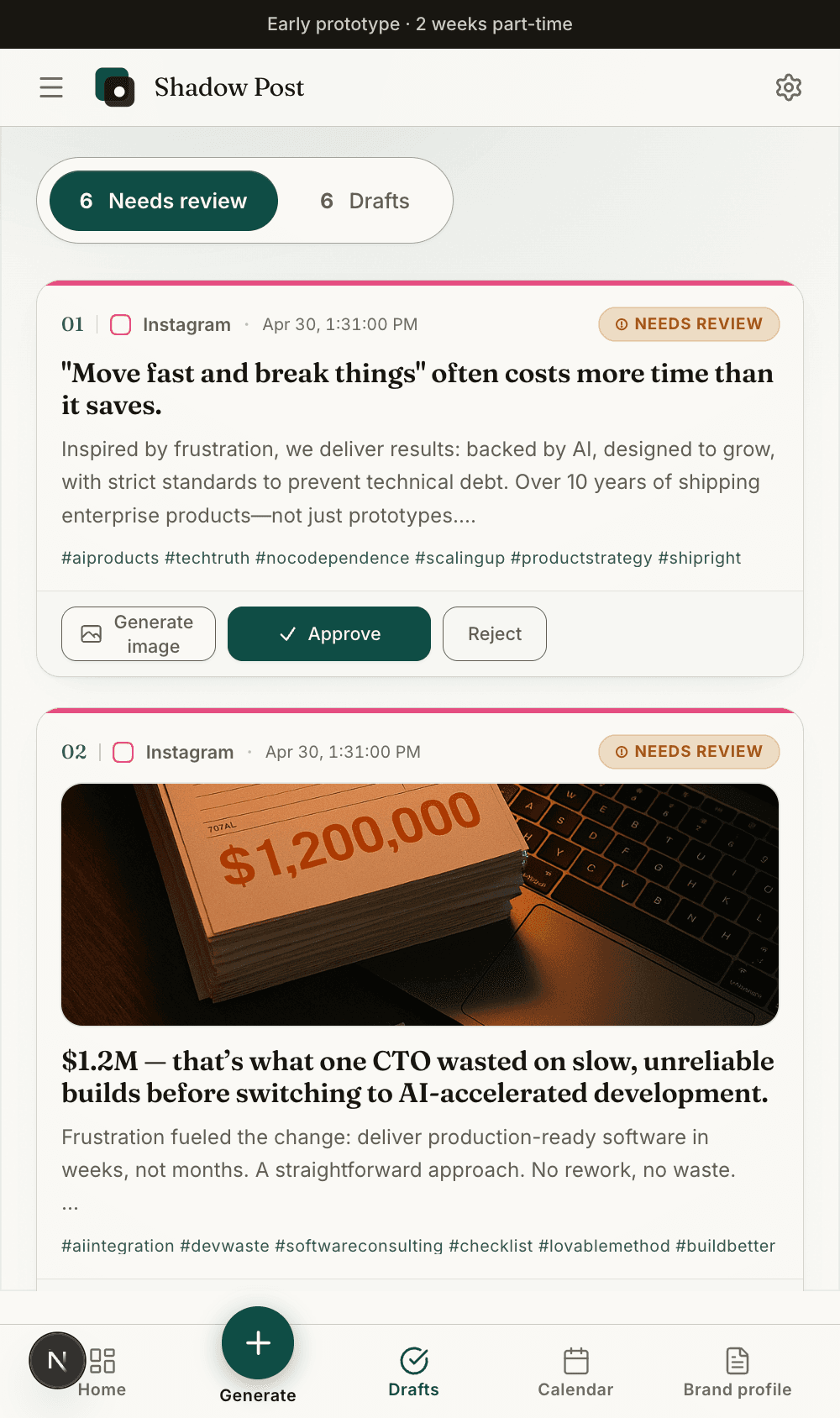
Keep the content page grounded in the real product: brand setup, draft review, and calendar planning live in one calm workspace instead of separate tabs.
The best social media content calendar template sets the rules before the posts exist. Decide the weekly theme, platform mix, owner, asset requirement, CTA type, and approval path first.
That prevents the common failure mode where teams collect post ideas without building a real publishing system around them.
A sample social media content calendar should show the pattern before the team writes every post. Start with four weekly themes, then add platforms, owner, asset needed, CTA, approval status, and publish window.
For example: Week 1 teaches the audience problem, Week 2 shows proof, Week 3 shares a checklist, and Week 4 makes the offer. That gives the month a strategic rhythm without overplanning every caption too early.
The calendar decides the job: educate, prove, explain process, or ask for action. The post draft decides the words. Mixing those steps is why small teams end up with a full spreadsheet but no publishable posts.
A better rhythm is simple: choose the weekly job, assign the owner, pick the proof point, then write the post. That keeps the calendar useful even when the draft changes during review.
Use this guide to decide the operating logic. Use the free social media content calendar template to generate the first working version.
The guide should stay evergreen. The template can change every month based on the current campaign, product update, or seasonal offer.