Social media content calendar template
Use this template builder when the real bottleneck is planning consistency, not ideation. It gives small teams a free social media content calendar template and doubles as a simple social media calendar generator for getting the first month in place fast.
A working social media content calendar template should show what each week is for, how often you publish, and when you ask for action. Otherwise it is just a list of post ideas pretending to be a planning system.

Generated output
Week 1: audience problem + strong opinion Week 2: proof or before-and-after example Week 3: process, checklist, or template Week 4: offer + CTA Cadence: 3 posts per week Platforms: LinkedIn, Instagram, Facebook
Use the campaign theme "Educational trust + product proof" to balance educational posts, proof-led posts, and conversion posts. Repeat one recognizable CTA: Copy the template.
Every post should match Shadow Posts, speak to small teams juggling multiple channels, reinforce a repeatable monthly planning structure, include one proof cue (weekly themes, platform slots, and clear CTA mix), and sound consistent across LinkedIn, Instagram, Facebook.
Use the output as a simple monthly calendar: one weekly theme, a realistic cadence, the platforms in scope, and one review rule for every post.
The template works best when each week has a job. Education, proof, process, and conversion are easier to maintain than a random list of daily ideas.
Start with one monthly goal, then let the generator shape that into four weekly themes, platform slots, and a usable posting rhythm.
This works best for small businesses that need a planning engine, not a giant spreadsheet. The output is meant to be edited, approved, and turned into real drafts.
Week 1 can educate the audience on the problem. Week 2 can show proof. Week 3 can share a process or checklist. Week 4 can make the offer.
That sample social media content calendar gives a small team enough structure to plan without pretending they need a full editorial department.
FAQ
Yes. The tool generates a simple four-week social media calendar template with themes, cadence, platforms, and a review checklist.
Yes. It works like a lightweight social media calendar generator by turning a monthly goal into weekly themes, platform slots, cadence, and CTA mix.
It is the planning layer. Use it to define weekly themes and posting rhythm, then fill each slot with posts from your campaign or product calendar.
Yes. The generated output gives you a sample monthly structure you can adapt before creating final posts.
Brand context stays attached
Brand profile, draft intent, and approvals stay with the work.

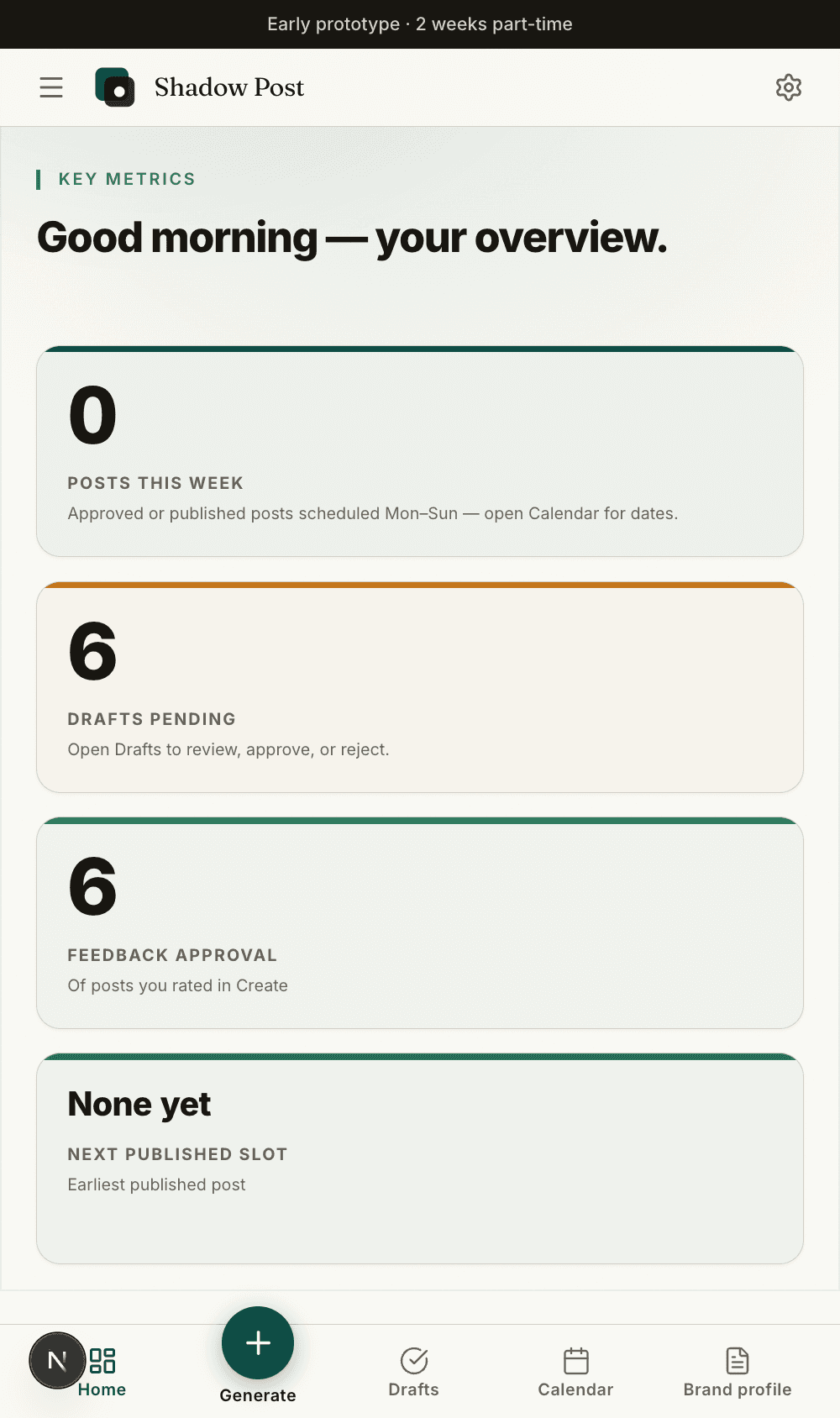
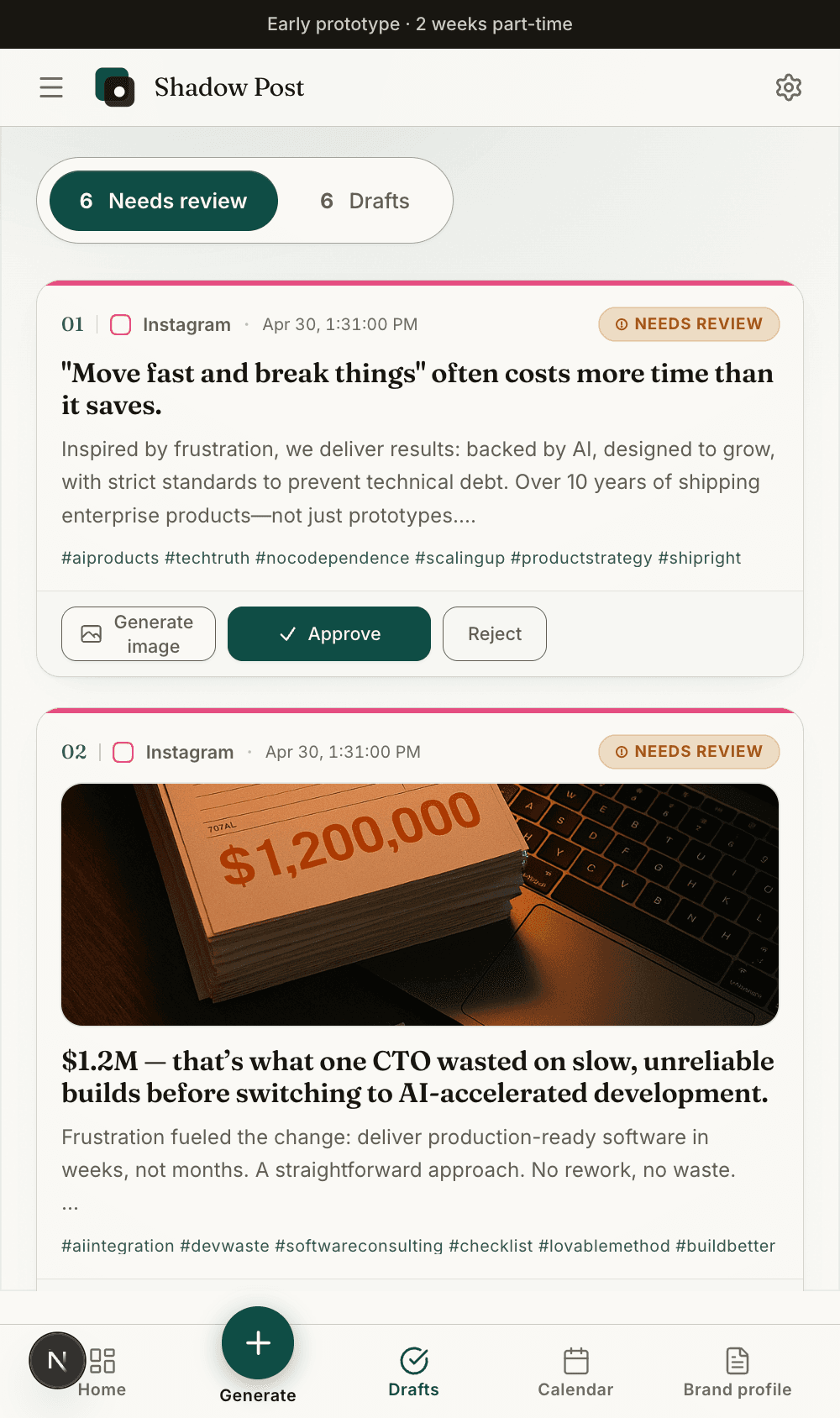
The free tools stay lightweight, but the full app keeps the resulting draft, review state, and calendar slot connected.
Week 1, Monday: education post that explains the customer problem. Owner: marketing lead. Asset: short checklist. CTA: save this.
Week 2, Wednesday: proof post built from a review, before-and-after, or customer question. Owner: founder or sales. Asset: screenshot or quote. CTA: ask for the walkthrough.
Week 3, Thursday: process post that shows how the work gets done. Owner: operator. Asset: behind-the-scenes photo or product screen. CTA: comment with a question.
Week 4, Tuesday: offer post that connects the month back to one service, product, or booking action. Owner: marketing lead. Asset: landing page. CTA: book, download, or DM.
A useful social media content calendar template should include weekly theme, platform, draft owner, asset needed, CTA, approval status, and publish window.
That keeps the template practical for a small team. It is enough structure to run the month without turning the planning layer into a bloated editorial system.
The best template is not the most detailed spreadsheet. It is the one the team actually reviews every week.
Keep the core columns simple: theme, platform, draft owner, asset needed, CTA, approval status, and publish window.
The free template gives you a month shape. Shadow Posts turns that shape into draft generation, brand rules, approval, and reusable planning history.
Use the template or calendar generator first when planning is messy. Move into the app when review and consistency become the bottleneck.
If ownership and approval are the real blocker, read the social media planning tool guide next so the calendar has a workflow behind it.