Instagram caption generator
Use this when your team already has the post angle from a photo, video, or campaign brief but keeps rewriting the caption to make it tighter, warmer, or more on-brand.
Instagram copy needs rhythm more than length. A usable structure gets you to review faster, gives Reel captions a stronger first line, and keeps the CTA from getting buried.

Brand context stays attached
Generated output
a weekly content rhythm that feels doable. That is the difference between posting when you panic and posting with a rhythm. We keep it warm and direct, show proof with clear prompts, quick approvals, and better brand consistency, and make the next step obvious. Save this post.
#socialmediamarketing #contentworkflow #smallbusinessmarketing #brandvoice #shadowposts
Use this when speaking to local business followers. Pair with a behind-the-scenes visual or a simple result screenshot. Avoid generic wording.
A good social media post caption generator starts with one answer: what should the reader do, feel, or understand after the post?
Once that answer is clear, the caption can earn the hook, support it with one proof point, and land one CTA. Without that, captions drift into generic filler.
The strongest Instagram captions start with the visual angle. Tell the tool what the photo, carousel, or Reel is meant to prove, then use the generated hook as the first line.
For Reels, keep the first line short enough to match the on-screen idea. For feed posts, let the body explain the proof or customer moment behind the image.
After generating, do three edits: replace one generic claim with one specific proof point, remove filler lines, and make the CTA match the audience intent (save, comment, DM, click).
If the caption could be posted by any competitor, it needs more proof, a sharper point of view, or a more recognizable brand voice.
FAQ
Yes. Use it as a social media post caption generator when you need a clean hook, body, and CTA for a post that is ready to review and publish.
Yes. The tool is useful for Reel captions because it gives you a faster hook, cleaner body copy, and a CTA that still reads naturally in a short format.
Yes. It is an instagram caption generator ai-style workflow: generate a first draft quickly, then edit the result for proof, brand voice, and the platform rhythm before posting.
Yes. This public version is free and works well when you need a first draft quickly before editing for tone, proof, and hashtags.
Yes. Teams often use it after reviewing a photo or video and already knowing the post angle. It is best when the visual direction is clear and the caption still needs structure.
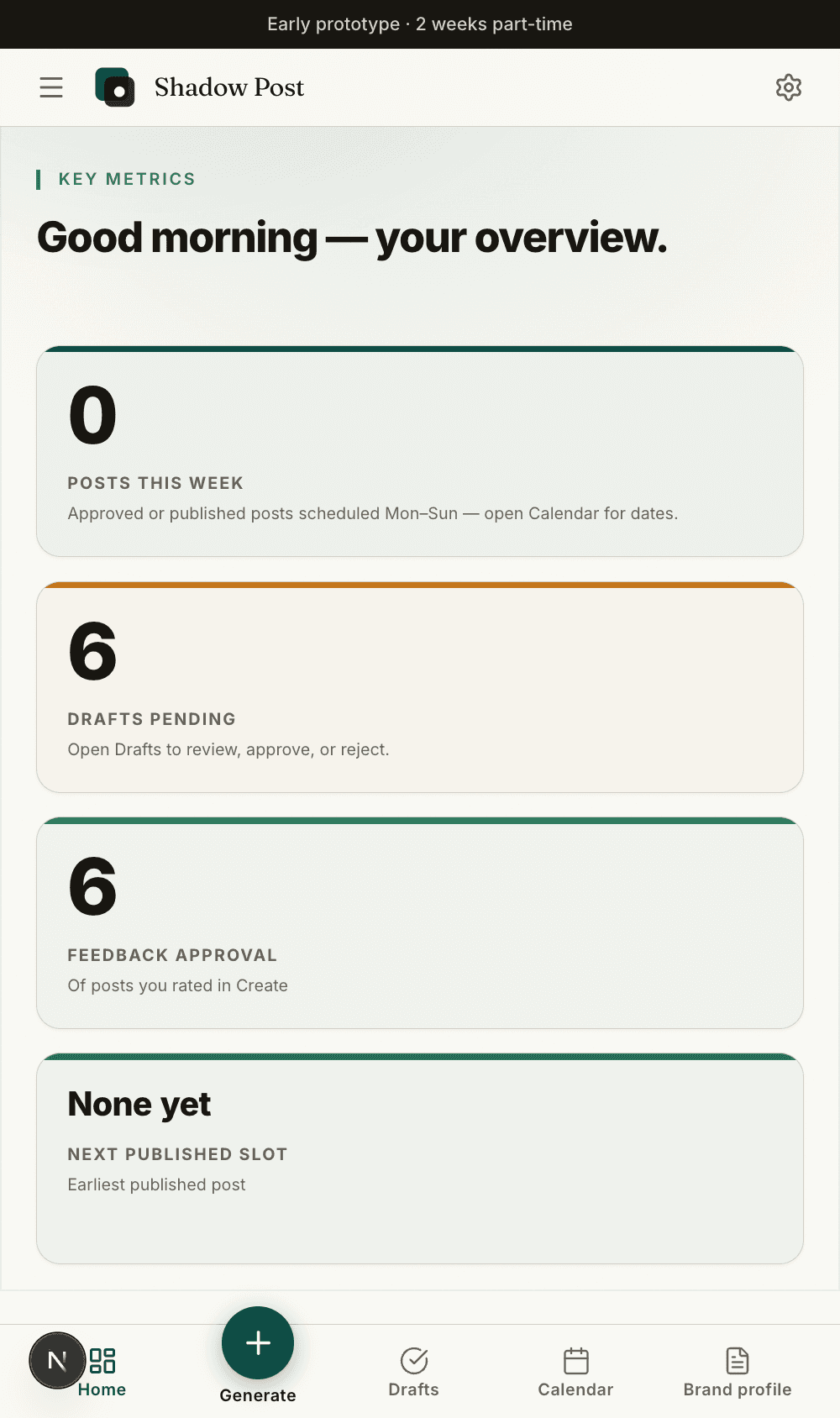
Brand profile, draft intent, and approvals stay with the work.
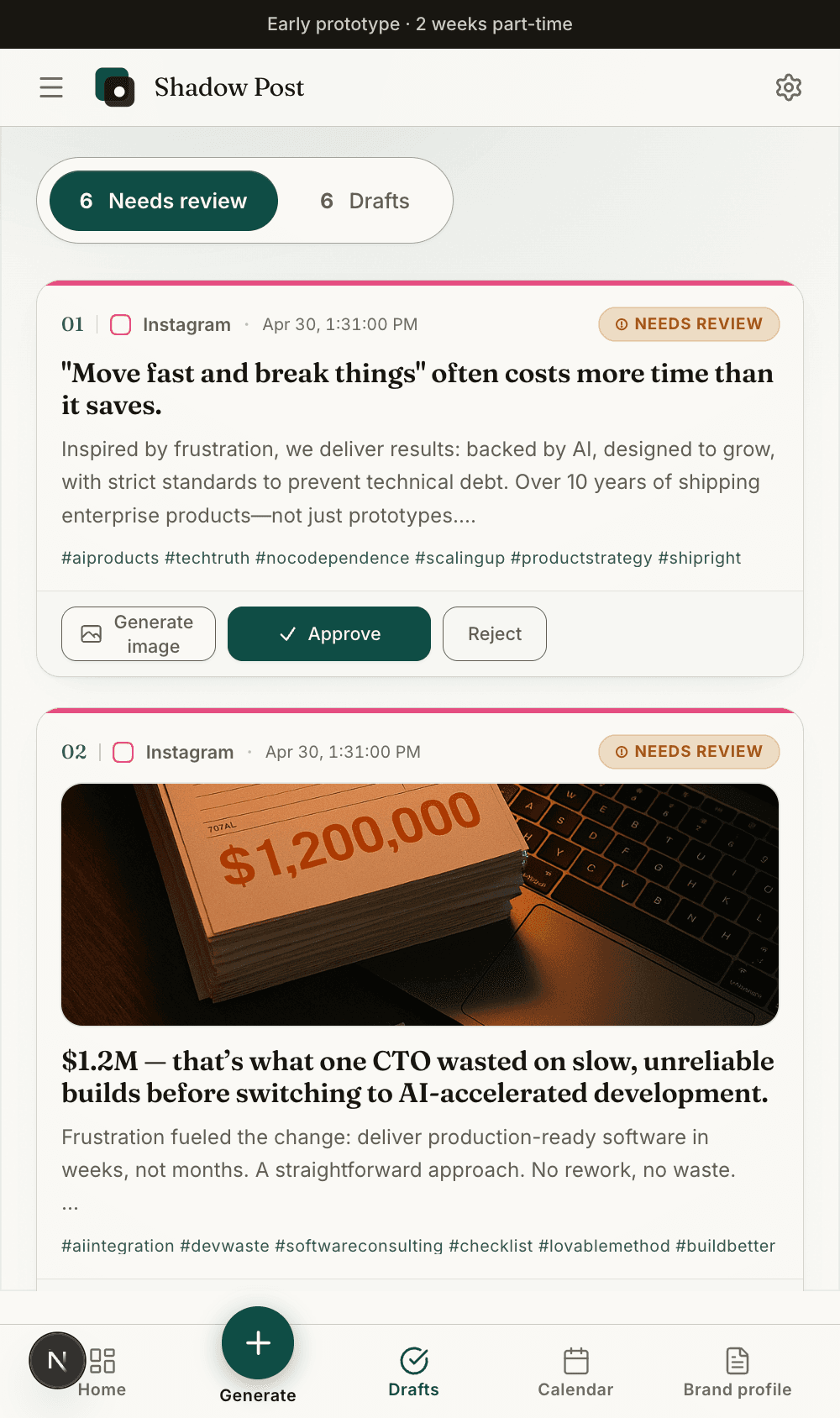
The free tools stay lightweight, but the full app keeps the resulting draft, review state, and calendar slot connected.
Start with the audience and offer, add one proof point, then generate a caption draft. Edit the result for your brand voice before adding hashtags.
Use the hashtag bank as a starting point, not a final answer. Replace broad tags with local, niche, campaign, or product-specific terms before publishing.
Local service: open with the customer pain, show the before-and-after, then ask followers to save the checklist.
Product launch: name the old workaround, introduce the product angle, then send people to the launch page or signup flow.
Behind the scenes: explain what the team changed, why it matters, and what customers should expect next.
Treat the hashtag bank as a draft. Keep a small set of brand tags, add a few niche intent tags, then add one local or campaign tag when relevant.
If you are unsure, delete half the hashtags and keep the ones that match the actual content. The goal is discoverability, not a wall of tags.
Use the free caption generator for single posts. Use Shadow Posts when every caption needs the same brand voice, review rules, calendar context, and approval workflow.
That switch matters when the same team writes for Instagram, LinkedIn, Facebook, and email but still needs one recognizable voice.